What is iex in PowerShell is a question many people ask after seeing one-line commands that end with | iex. The short answer is that iex is a built-in alias for the Invoke-Expression cmdlet, which takes a string and runs it as PowerShell code. That ability is powerful, but it also means any text passed to iex is executed with your permissions, so understanding it is important for safety.
How Invoke-Expression Works
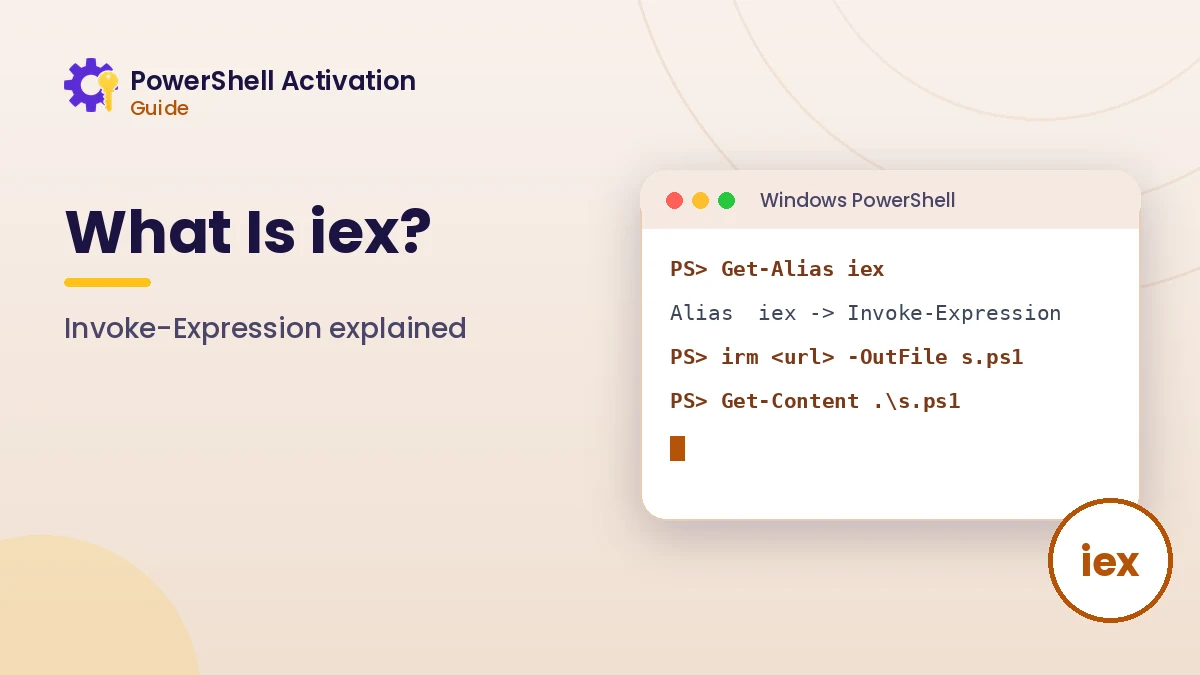
Invoke-Expression evaluates a string as if you had typed it at the prompt. It is useful when a command is assembled dynamically, although most tasks can be written in a clearer way without it. You can confirm the alias yourself.
Get-Alias iex
# CommandType  Name                    Definition
# Alias        iex -> Invoke-Expression

$command = "Get-Date"
Invoke-Expression $command
In the example, the text Get-Date becomes a real command. If the string contained something harmful, iex would run that as well, without any extra confirmation.
What irm | iex Does
The pattern irm https://example.com/script.ps1 | iex combines two aliases. irm is short for Invoke-RestMethod, which downloads content from a web address. The pipe sends that content straight into iex, which executes it immediately.
| Part | Full name | Role |
|---|---|---|
irm | Invoke-RestMethod | Downloads the text of the script |
| | Pipeline | Passes the downloaded text along |
iex | Invoke-Expression | Runs the text as PowerShell code |
Why This Pattern Appears in Activation Guides
Many websites promoting third-party activation scripts use this one-liner because it is short and easy to paste. The script never touches the disk as a file you can review, and it runs with administrator rights when the window is elevated, which gives it broad control over the system.
The Risks of Running Remote Code
Running unseen code from the internet carries real risk. The content at an address can change at any time, a lookalike domain can serve something different, and a script with administrator rights can alter system settings, licensing data or security tools.
- You cannot review the code before it executes
- The remote content can change between visits
- Typos in a domain can lead to a malicious copy
- Execution policy does not block strings passed to iex
- Changes made with administrator rights can be difficult to undo
Activation scripts from unofficial sources add a licensing problem on top of the security concern, because methods that skip purchasing a license conflict with Microsoft terms.
A Safer Way to Run Any Script
When you genuinely need to run a script from a trusted source, download it as a file first. Reading it before execution lets you see exactly what it will do.
Invoke-RestMethod https://trusted.example/tool.ps1 -OutFile .\tool.ps1
Get-Content .\tool.ps1 | more
Get-FileHash .\tool.ps1 -Algorithm SHA256
Compare the hash with one published by the author on a separate trusted page. Only run the file with .\tool.ps1 once you understand its contents and trust its origin.
Execution Policy and Signing
Execution policy controls whether script files may run, and signed scripts give extra assurance about the author. Check the current setting with Get-ExecutionPolicy -List. Policy is a safety guard, not a full security boundary, so reviewing the code still matters.
Better Alternatives to iex
In your own scripts, iex is rarely necessary. PowerShell offers clearer options that avoid treating text as code, which also makes scripts easier to read and maintain.
- Call commands directly or with the call operator
& - Use splatting to pass dynamic parameters safely
- Dot-source a reviewed local file with
. .\file.ps1 - Use script blocks with
& { ... }for grouped logic
iex and Licensing Commands
Genuine Windows activation never requires iex. The built-in slmgr tool and CIM licensing classes cover checking, installing and activating a license. If a guide insists on piping a remote script into iex to activate Windows, treat that as a warning sign.
The command line basics guide shows how to work with licensing using only built-in tools.
Spotting Risky One-Liners
Some patterns deserve extra caution whenever they appear in a tutorial, forum post or video description. Noticing them early lets you stop and inspect the code before anything runs.
- Shortened or unusual domains inside an
irmoriwrcommand - Base64 strings passed to
-EncodedCommand - Instructions to disable antivirus or security features first
- Claims that a script will unlock paid software for free
What to Do If You Already Ran One
Disconnect from the network if you suspect harm, run a full scan with Microsoft Defender, and review recently changed services and scheduled tasks. Restoring a system restore point created before the script ran is often the cleanest recovery path.
How iex Fits Everyday Scripting
People often wonder whether iex is dangerous by itself. It is not; the risk comes from what you pass into it. Administrators sometimes use it to run trusted commands built from configuration files, though modern scripts usually find clearer alternatives.
Another common question is whether antivirus software protects you. Microsoft Defender inspects scripts through the Antimalware Scan Interface, which helps, yet no security tool replaces reading code from a source you trust before allowing it to run with administrator rights.
| Situation | Recommended approach |
|---|---|
| Running your own local script | Call it directly with .\script.ps1 |
| Script from a trusted vendor | Download, verify the hash, review, then run |
| Unknown one-liner from a website | Do not run it |
iex Compared with Other Ways to Run Code
PowerShell offers several ways to execute code, and each has a different level of transparency. Running a saved script file keeps the code visible and reviewable, the call operator runs a known command, and iex runs whatever text it receives. Preferring the visible options makes your work easier to audit and safer to share with others.
Conclusion
What is iex in PowerShell comes down to this: an alias for Invoke-Expression that runs any string as code. It has legitimate uses, but combining it with irm executes remote content you have not reviewed, often with administrator rights.
Download scripts to a file, read them, verify hashes, and rely on built-in licensing tools for activation. That approach keeps your system and your license in good shape.