Microsoft Activation is the process that confirms a copy of Windows or Office is genuine and used within its license terms. Activation links the license to a device or account, and the method depends on how the license was obtained. Understanding the methods makes it easier to read PowerShell output and choose the right fix when activation fails.
Why Microsoft Uses Activation
Activation reduces unlicensed use and ties each license to the number of devices allowed by its terms. For users, a successful activation unlocks full personalization, removes reminders and confirms the copy is eligible for support. For organizations, activation provides a record of license usage across many machines.
Activation is different from product registration. It does not send personal files, and the information exchanged is related to the product key and a hardware identifier used to recognize the device during reactivation.
Digital License
A digital license, previously called digital entitlement, is stored by Microsoft and recognized automatically. Devices receive one after upgrading from a genuine earlier version, buying Windows from the Microsoft Store or purchasing a prebuilt PC. No key needs to be entered during a reinstall on the same hardware.
Linking a Microsoft account to the digital license is recommended. After significant hardware changes, the account link lets the Activation troubleshooter reassign the license to the updated device.
Product Keys: Retail and OEM
A product key is a 25-character code in five groups. Retail keys are sold separately and can typically be transferred to a new device after removal from the old one. OEM keys are provided by device manufacturers and are tied to the original hardware.
- Retail — purchased separately, usually transferable
- OEM firmware — embedded in UEFI, read automatically during setup
- OEM label — printed on older devices, tied to that machine
PowerShell shows the channel in the Description field of slmgr /dli, which is the fastest way to identify the key type on an unfamiliar computer.
Volume Activation for Organizations
Businesses, schools and government bodies license software through volume licensing agreements. Microsoft provides two main volume activation methods, plus Active Directory based activation for domain environments.
Multiple Activation Key (MAK)
A MAK allows a set number of activations. Each device activates once with Microsoft, either directly or through the Volume Activation Management Tool, and the activation is permanent for that installation.
Key Management Service (KMS)
KMS uses a host inside the organization network. Client devices use a published Generic Volume License Key and activate against the host, which must itself be activated with a KMS host key from the organization's agreement. Client activations are valid for 180 days and renew automatically while the device can reach the host.
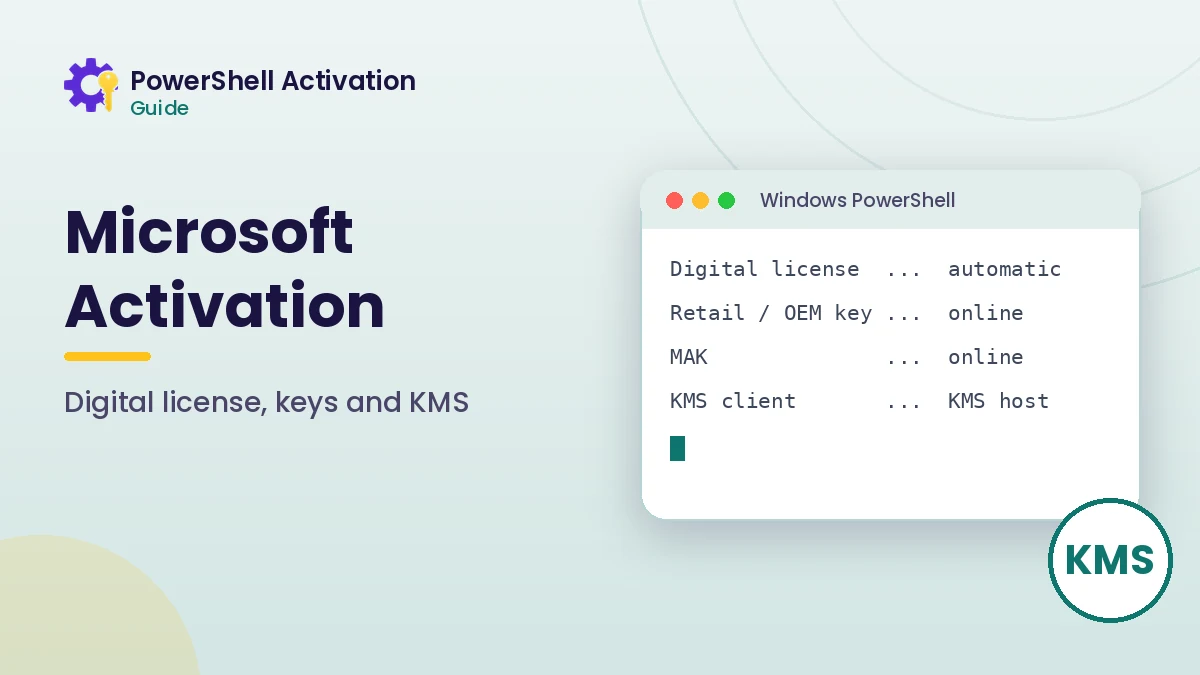
| Method | Activates against | Duration | Best for |
|---|---|---|---|
| Digital license | Microsoft | Permanent | Home and small business PCs |
| Retail / OEM key | Microsoft | Permanent | Individual devices |
| MAK | Microsoft | Permanent | Smaller fleets, isolated sites |
| KMS | Organization KMS host | 180 days, auto renew | Large managed networks |
KMS Thresholds
A KMS host only begins activating clients after reaching a minimum count of requesting devices. Microsoft documents this activation threshold as 25 client devices for Windows clients, or five for servers and Office, so small environments are usually better served by MAK.
Microsoft 365 and Office Activation
Microsoft 365 apps activate through the signed-in account that holds the subscription, so no product key is normally entered. Perpetual Office versions, such as Office 2021 or Office 2024, use product keys or volume activation, and their status can be checked with the OSPP.VBS script from PowerShell.
The Office activation guide covers the exact commands for checking and activating perpetual Office licenses.
Third-Party Activation Scripts
Community projects such as Microsoft Activation Scripts are not created by Microsoft and are not part of Microsoft Activation. Methods promoted by these projects bypass the purchase of a license, which conflicts with Microsoft license terms. For a supported result, use a digital license, a purchased key or your organization's volume activation.
How to Tell Which Method a Device Uses
A quick PowerShell check removes the guesswork. Run slmgr /dli and read the Description line, or use the CIM query below to see the channel and status together.
Get-CimInstance SoftwareLicensingProduct -Filter "PartialProductKey IS NOT NULL" |
  Select-Object Description, LicenseStatus
RETAIL points to a purchased key or digital license, OEM points to a manufacturer license, and VOLUME_MAK or VOLUME_KMSCLIENT points to an organization agreement. Each path uses different fixes when something goes wrong.
Activation and Hardware Changes
Activation recognizes a device through a hardware identifier. Small upgrades, such as adding memory or replacing a drive, rarely affect it, while replacing the motherboard usually makes Windows treat the computer as a new device.
A digital license linked to a Microsoft account handles this best, because the Activation troubleshooter can transfer the license after you confirm the hardware change. Retail keys can be reinstalled on the new hardware, while OEM licenses generally stay tied to the original machine.
- Link your Microsoft account before planned upgrades
- Record the current license channel with PowerShell
- Use the troubleshooter first after replacing major components
Activation Status Messages You May See
Windows describes activation in plain language on the Settings page. Windows is activated with a digital license means the license is recognized automatically, while Windows is activated with a digital license linked to your Microsoft account adds the account link that helps after hardware changes. Windows is not activated means a valid license still needs to be applied.
Frequently Asked Questions
Is a digital license better than a product key?
Neither is better in principle. A digital license is more convenient because it reactivates automatically, while a retail key is easier to move to new hardware.
Can home users use KMS?
KMS requires a host licensed under a volume agreement. It is designed for organizations, so home users should use a digital license or a retail key.
Does activation send my files to Microsoft?
No. Activation exchanges product key and hardware identifier information, not documents or personal files.
Conclusion
Microsoft Activation uses different paths for different licenses: digital licenses and retail or OEM keys for individual devices, and MAK or KMS for organizations. Identifying the channel with PowerShell is the quickest way to know which path applies.
Once you know the method, the command reference shows the exact switches for checking and completing activation.